Garment Photography Without a Studio: One Dress, Many Posts
Turn one dress or kaftan into a week of posts. A practical guide to garment photography on a phone, plus how to build a full Instagram carousel.
In this article
Garment photography on a phone works when you shoot three honest frames of the same piece — hung, flat and worn — then use them as the raw material for everything else you post. You do not need a studio, a lighting kit or a hired model to show a Lagos boutique dress or a kaftan properly. You need one plain wall, daylight, and a plan for what each frame is supposed to answer.
What garment photography has to do for a clothing seller
A buyer scrolling Instagram or WhatsApp cannot touch the fabric, hold the piece against herself, or check where the hem falls. Your photos have to answer those questions before she sends a DM.
Think of the carousel as a stand-in for a shop visit. It should answer:
- What is the full shape and length?
- How does it sit on an actual body?
- What does the fabric look like up close — the lace pattern, the ankara print, the weave?
- What is the colour in daylight, not under a bulb?
- What would it look like worn — to work, to a wedding, out for dinner?
Three phone photos, shot properly, cover all of that: the piece hung on a wall, laid flat on a bed, and worn by a friend. Everything else in the carousel — the on-model image, the lifestyle scene, the clean studio shot — is built from those three. So the job at the start is not to take many photos. It is to take three good ones.
Before you shoot: five minutes of prep that saves the whole carousel
Prep matters more than the phone. A creased kaftan photographed on the newest phone still looks like a creased kaftan.
The garment
- Steam or iron it. Pay attention to the hem, the placket and the sleeves — creases show worst there.
- Cut loose threads. Check inside the neckline and along the seams.
- Remove tags, or turn them to the back so they do not sit on the front of the piece.
- Brush lint off dark fabrics with a soft brush or a strip of tape. Black lace and navy show every speck.
The wall
- One plain, unpatterned surface. Light or mid-tone works best.
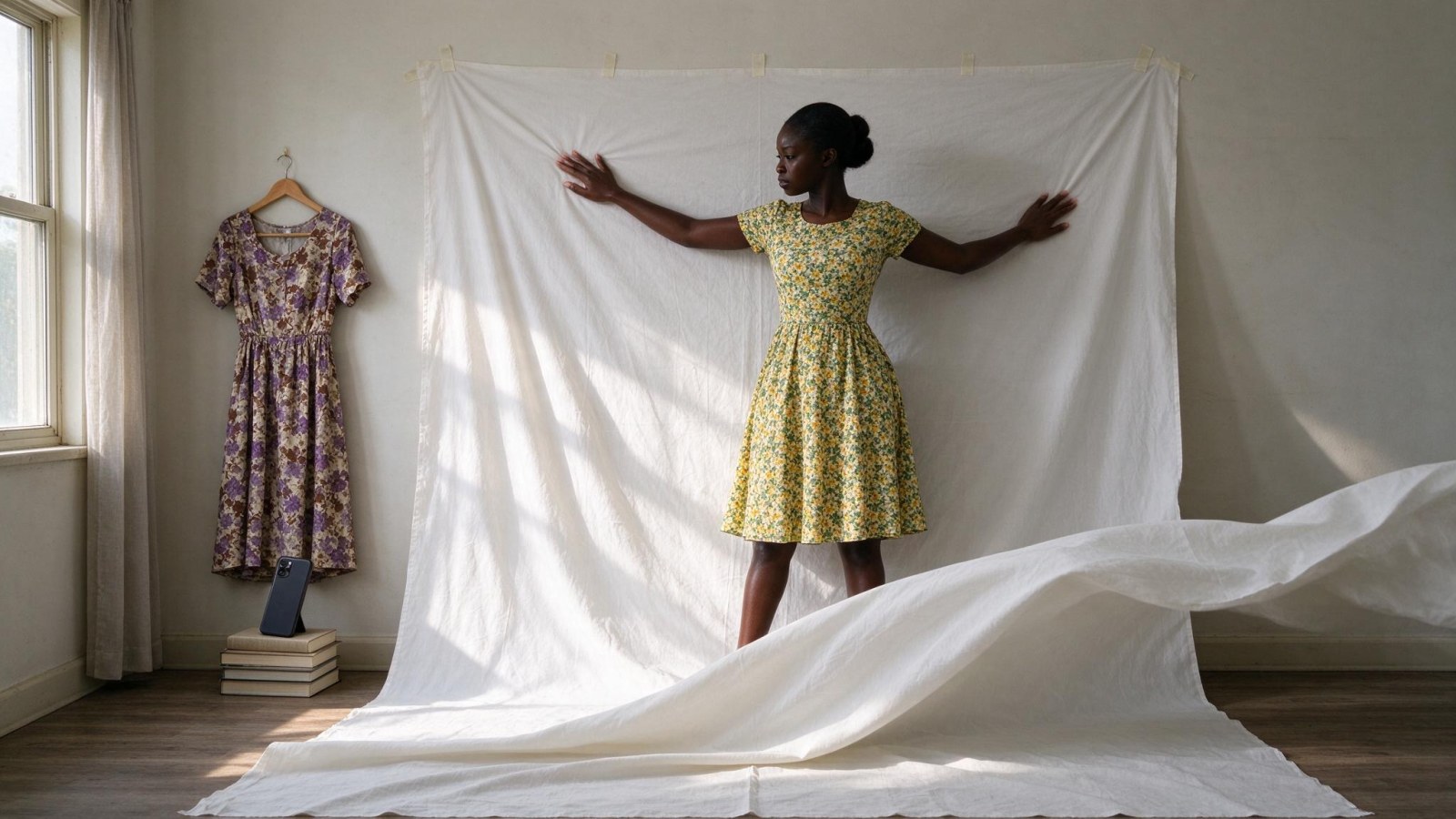
- If your wall is busy or the same colour as the garment, pin a white bedsheet flat against it and smooth out the folds.
- Avoid a background the same tone as the piece. A black dress on a dark wall loses its edges.
The light
- Stand near a window during the day. Put the window to the side of the garment so light comes across the fabric and shows its texture.
- Never point the phone towards the window with the garment in front of it. The piece becomes a dark silhouette.
- Turn the phone flash off. It flattens fabric and adds a hard highlight.
The phone
- Wipe the lens on your shirt. It sounds trivial; it is the most common cause of hazy photos.
- Use the main rear camera, not the front one.
- Tap the screen on the garment to focus, then drag the exposure slider down if the fabric is bright or white.
- Do not pinch to zoom. Walk closer instead — zooming softens the image.
- Set the camera to its highest resolution.
Shoot four to six frames of each setup, not one. You will blink, or the hanger will tilt. Having options is cheaper than reshooting.
Shot 1: hanging on a plain wall — shape, length and detail
Hang it properly
Use a hanger that matches the neckline. A thin wire or wooden hanger for a kaftan or dress; clip hangers for a skirt so the waistband sits straight. A bulky plastic hanger shows through the shoulders and makes the piece look cheap.
Frame the whole length
Hang the garment at a height where it fits in the frame with a little space above and below. This is the frame that tells the buyer how long the piece is — do not crop the hem.
Shoot straight on
Stand back and hold the phone level with the middle of the garment. Do not tilt up or down. Shooting from below shortens a dress; shooting from above stretches it.
Fix the fit
A hanger alone leaves most garments hanging shapeless. Pinch the back of the piece behind the hanger with a clip or clothespin so the front shows its actual cut. For a kaftan, a clip at each shoulder helps the neckline sit as it would on a body.
Handle harsh shadows on dark fabric
Black lace, dark ankara and navy are the hardest. Direct sun creates hard shadows that swallow detail.
- Move out of direct sun and work in the soft light near a window.
- Bounce light back into the shadow side with a white card, a sheet of paper or a piece of foil held just outside the frame.
- Turn the garment slightly so light rakes across the surface. That is what reveals lace pattern and print texture.
Take one detail frame
For every garment, shoot one close frame: the sleeve, the neckline, the hem, the print repeat, a button or a zip. Get close enough that the phone focuses on the fabric, and hold still. This frame is what convinces a buyer the quality is real.
Shot 2: laid flat on a bed — print, cut and what is included
The flat shot shows the cut, where the print falls, and what comes with the piece — a belt, a matching headwrap, a lining.
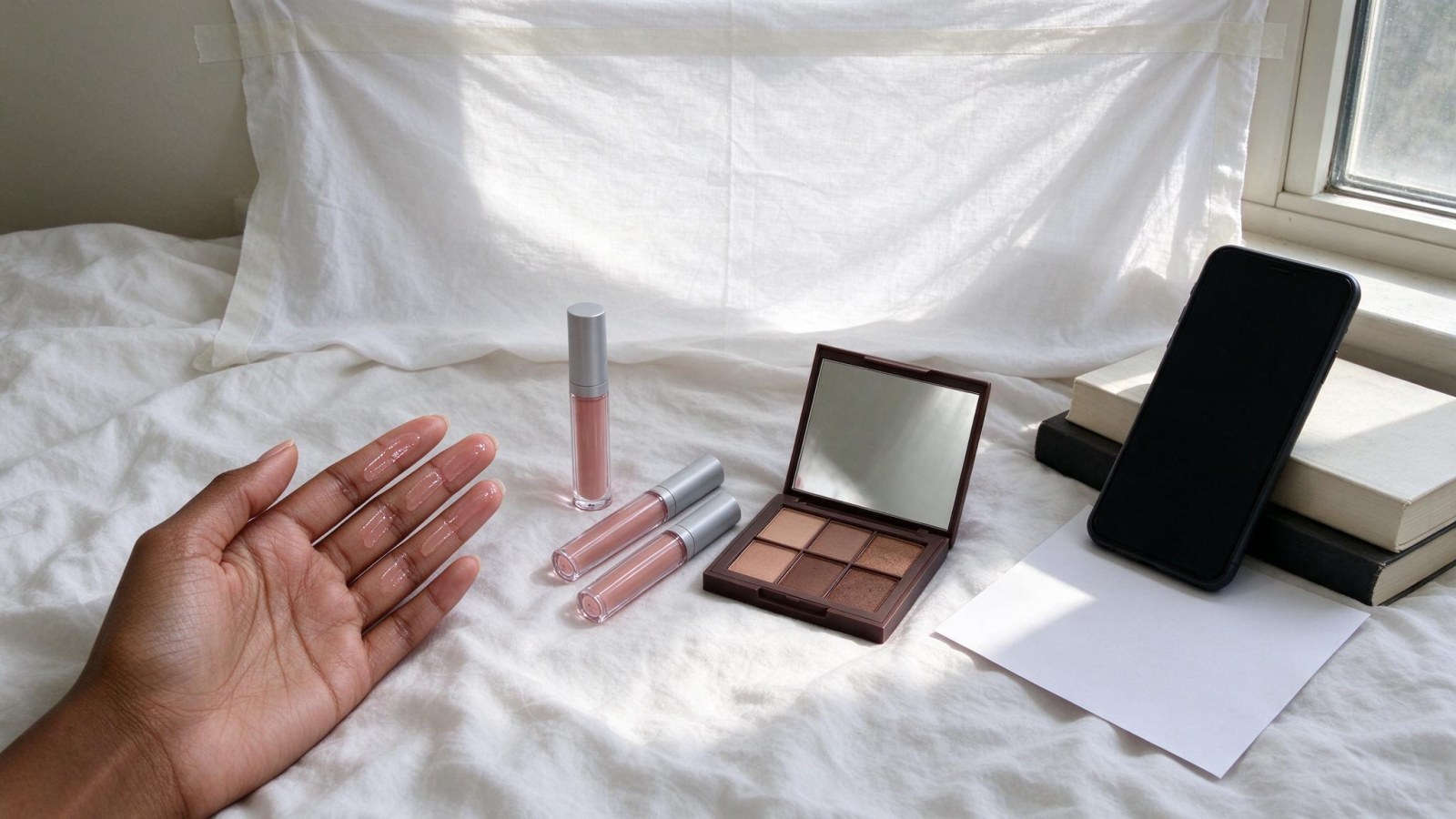
- Lay a plain bedsheet or a large sheet of cardboard on the bed and smooth out the wrinkles underneath. Any lump shows through.
- Arrange the garment: sleeves out, hem straight, collar open or buttoned as it would be worn.
- Shoot from directly above. Stand over the piece, or hold the phone flat and parallel to the bed, so the garment is not distorted into a trapezoid.
- Add only what is sold with the piece. Shoes or a bag in the frame suggest they are included.
- Watch your own shadow. Stand to the side of the window light, not between the light and the garment, or your body casts a shadow across the fabric.
This is the setup where photographing shirts and blouses works best. Button them up, fold one sleeve neatly across the body, and keep the collar shaped. For photographing clothing with a strong print, the flat shot shows the whole pattern rather than a slice of it.
Shot 3: worn by a friend — fit, length and how it moves
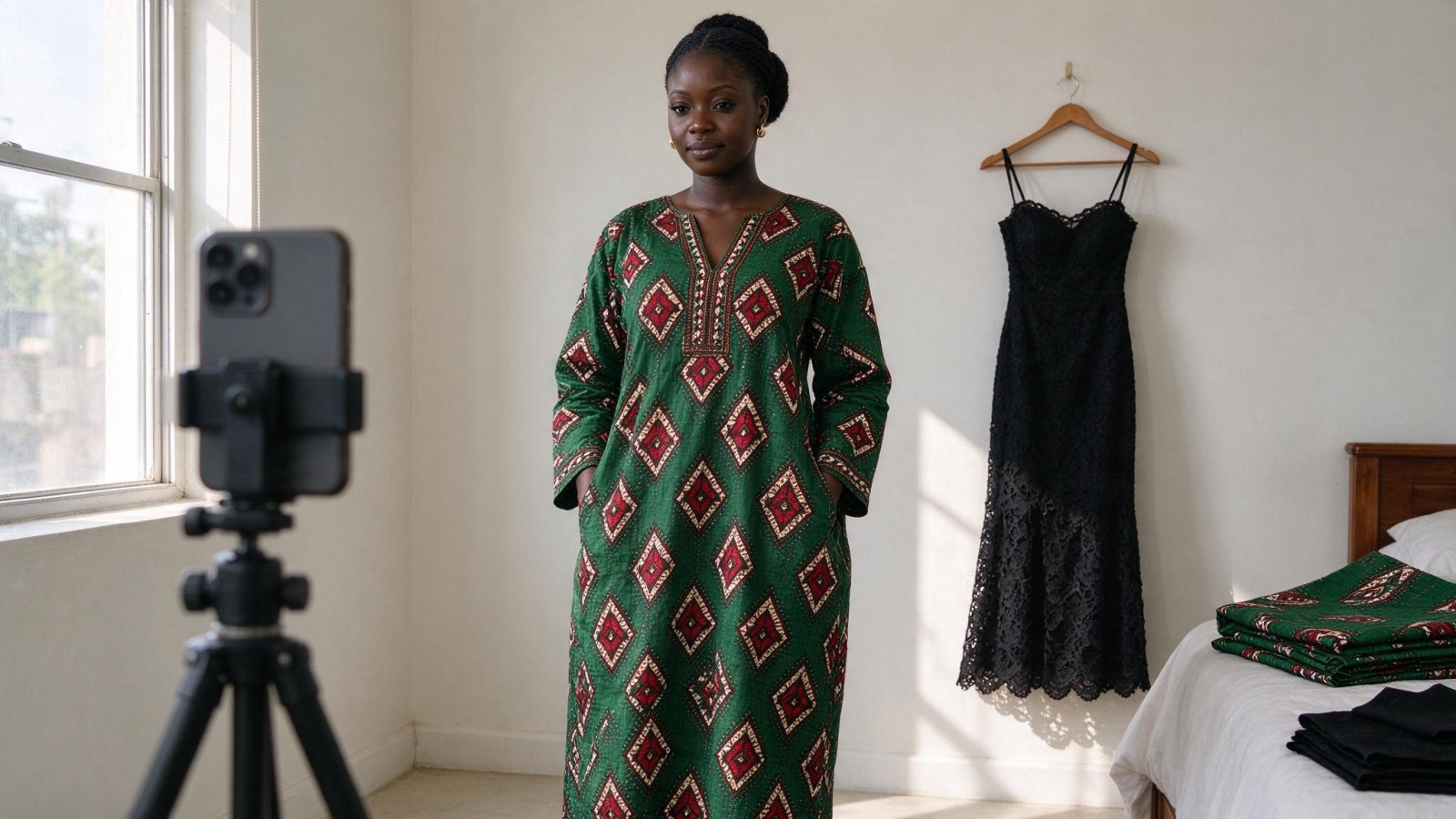
You do not need a professional model. You need someone close to the size the piece is made for — a friend, a sister, a staff member.
- If the piece is oversized on her, say so in the caption. Do not clip it at the back and let the buyer believe it fits differently.
- Shoot one full-body frame with the feet visible for dresses and kaftans. This is the frame that answers "will it be too short?"
- Shoot a second, waist-up frame for the neckline and sleeves.
- Keep the pose simple: standing, one hand relaxed, a slight turn of the body, chin level. Avoid heavy filters and extreme angles — they make the piece look different from what will arrive.
- For flowy fabrics, take a movement frame — mid-step, or a hand lifting the hem — so the buyer sees how the fabric falls.
- Hold the phone at the model's chest height and stand far enough back that the whole outfit fits without zooming.
The mistakes that ruin garment photos on a phone
Run this check before you save anything:
- Colour cast. Indoor bulbs turn white fabric yellow and black fabric brown. Shoot near daylight, or correct the tint in your phone's editor.
- Wrinkles and hanger marks. These read as poor quality. Re-steam rather than trying to edit them out.
- Over-editing. Do not smooth or brighten until the ankara print or the lace pattern loses its detail. If you cannot see the weave, you have gone too far.
- Inconsistent backgrounds. Keep the same wall, sheet or bed for all three shots, so the carousel looks like one set rather than three different sellers.
- Cropped hems and cut-off feet. The buyer's first question is length. Never crop it away.
From three phone photos to a full carousel
Here is the gap most sellers hit. Those three frames are honest, but they are still three frames of a hanger, a bed and a friend in your sitting room. Most clothing sellers have no model, no studio and no budget for a shoot, so one garment produces one small set of images — and the grid starts to look repetitive.
That is where WonderClips fits. You upload the phone photo of the same garment, and it produces an on-model photo with an AI model, a lifestyle scene and a clean studio shot, sized for Instagram, TikTok and WhatsApp. You can see what that looks like for pieces like yours on the /transformations page before you try it.
A running order that works for one dress or kaftan:
- Clean studio shot — the cover image, so the piece reads clearly in the feed
- On-model, full length — fit and length
- On-model, closer crop — neckline and sleeves
- Lifestyle scene — how it looks worn somewhere
- Flat-lay print detail — fabric and pattern
- Worn-by-your-friend full length — the honest real-life frame
That is one carousel. To stretch the same garment across a week: post the carousel, use the lifestyle frame as a WhatsApp status, put the on-model image in a TikTok post, and reuse the studio shot for a restock or "sold out" update later in the week. One piece, photographed once, keeps working.
Your next step: one garment, one carousel, this week
The whole method, in order:
- Steam the piece, cut threads, remove tags, brush off lint.
- Hang it on a plain wall in side window light. Shoot straight on, full length, plus one detail frame.
- Lay it flat on a plain sheet and shoot from directly above.
- Have a friend wear it. Shoot full length with feet visible, plus a waist-up frame.
- Check colour, wrinkles and cropping before you save.
Then repeat the same setup next week. Same wall, same light, same height. Your grid will look consistent and each shoot will take less time than the last.
When you are ready to multiply those frames, start with one best-selling garment. Shoot the three angles above, then produce an on-model shot, a lifestyle scene and a clean studio image of the same piece, and post them as one carousel. You can open a free account at /register — the trial gives you 5 credits for 3 days with no card, a standard photo costs 1 credit and a studio-quality photo costs 5. Plan and credit details are on /pricing.
Good garment photography is not about equipment. It is about answering the buyer's questions before she asks them — and then making sure she sees the answer more than once.
Frequently asked questions
Can I do garment photography with just my phone?
Yes. A plain wall, daylight from a window and a clean lens are enough for the three frames this method needs: hung, flat and worn.
How do I photograph black lace or dark ankara without losing the detail?
Get out of direct sun and use soft window light, bounce light back into the shadow side with a white card or sheet of paper, and turn the piece slightly so light rakes across the fabric.
How many photos should an Instagram carousel for one dress have?
Six frames is a practical number: a studio cover, two on-model frames, a lifestyle scene, a flat-lay detail and a worn-by-a-friend full length.
Do I need a model to sell clothes on Instagram?
No. A friend close to the size the piece is made for is enough for the fit shot, and on-model images can be produced from your phone photo.
How do I stop my phone shadow ruining a flat-lay photo?
Stand to the side of the window light rather than between the light and the garment, and hold the phone directly above the piece.