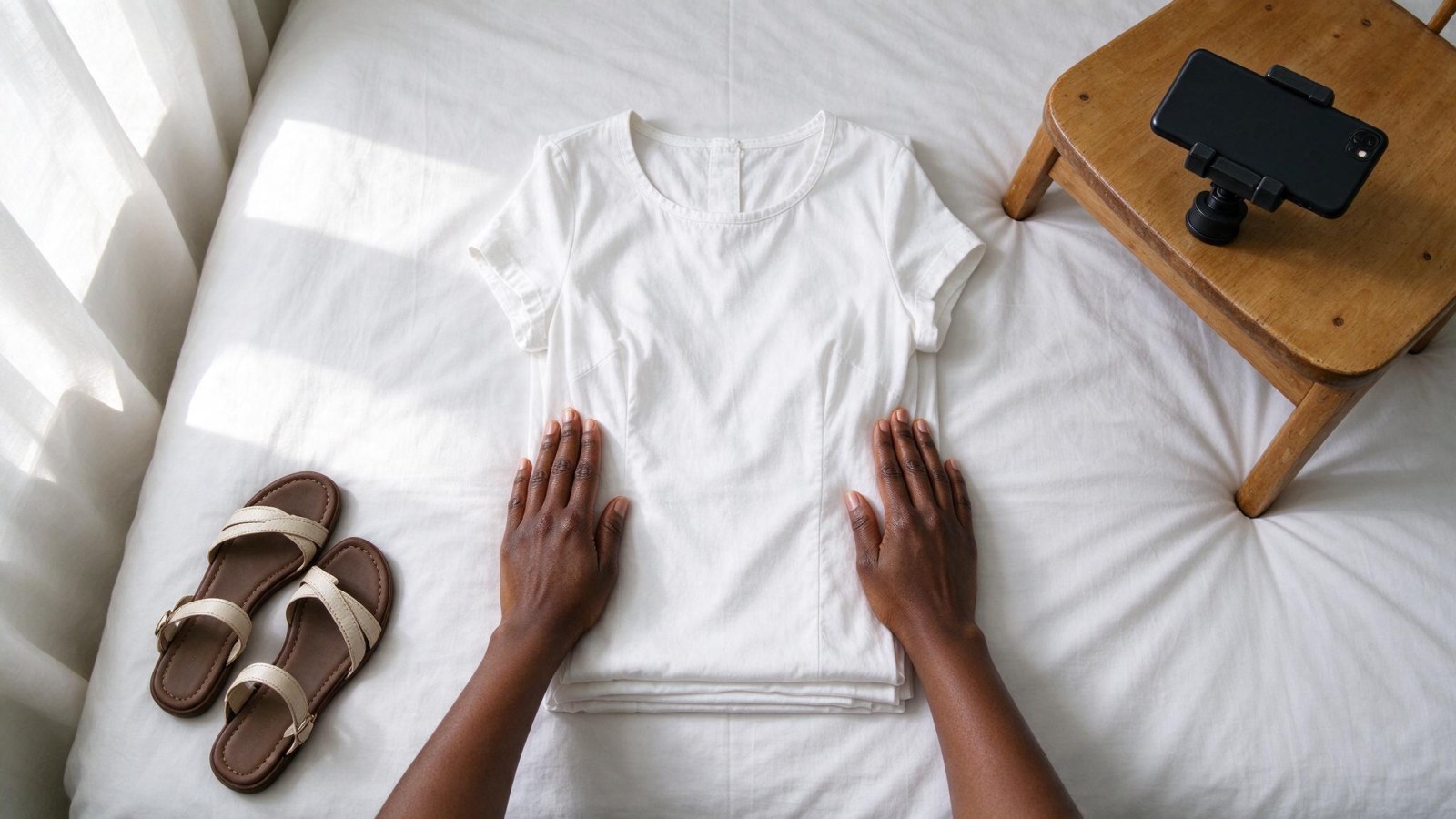
Skincare Product Photos That Sell: A Phone Guide
A phone-first studio guide for small skincare sellers: window light, texture swipes, ingredient props and a consistent look across your whole range.
In this article
A good skincare product photo does not need a studio. It needs soft daylight, a plain background, sharp focus on the label, and one close-up that shows what the product actually feels like. Most small skincare sellers already own everything except a repeatable method — so this guide gives you one: a phone setup you can run in an afternoon, the texture and prop shots that make shea butter, black soap and serums look worth their price, and a way to keep the whole range looking like one brand across your WhatsApp catalogue and Instagram grid.
What makes a skincare photo look premium (and what makes it look cheap)
Premium skincare product photography comes from four things, and none of them is an expensive camera:
- Soft, even light. No hard shadows, no bright white glare on the lid.
- A clean, plain background. Nothing behind the jar that competes with it.
- Sharp focus on the label. The buyer must be able to read what the product is.
- The same look across every product. A range that matches reads as a brand; a range that does not reads as a rummage sale.
The usual culprits in seller photos are easy to fix once you name them:
- Shooting under a ceiling bulb at night, which turns cream jars yellow and casts a shadow under the label.
- Phone flash bouncing off a glossy jar and leaving a hard white blob.
- A cluttered bed, table or wrapper in the background.
- Fingerprints, dust and smudges on the lid — the camera sees them far more clearly than your eye does.
- A different background and crop for every product, so the catalogue looks like it came from five different sellers.
The basic phone setup: light, background and a steady hand
Light
Shoot near a window in daytime, with the light coming from the side of the product, not from behind it. Side light gives the jar a soft shadow on one side, which is what makes a round object look round instead of flat.
If the sun is strong and direct, tape a white sheet, a thin curtain or even a sheet of white paper over the window. That turns hard sun into soft, even light — the same idea as the diffusers a professional studio uses, at no cost.
Camera settings
- Turn the phone flash off. Always.
- Wipe the lens with a clean cloth before you start. A smeared lens makes every photo look slightly foggy, and you will not notice until you compare it with someone else's.
- Stand the phone at the same height as the product, not above it looking down. Shooting down at a jar makes it look small and squashed.
- Tap the screen on the label to lock focus, then drag the exposure slider down slightly. White jars and white backgrounds blow out easily, and a blown-out label cannot be recovered.
- Brace the phone against something — a stack of books, a cup, a wall — or use both hands with your elbows tucked in. Close-ups blur with the smallest movement.
Backgrounds that work
Pick one and stay with it for the whole range:
- A plain white or cream card for most products.
- A dark slate or black card for light-coloured jars and white creams, so the product stands out.
- A clean wooden board for a warmer, more natural look.
- A plain fabric with no pattern — plain, not striped, not floral.
A sheet of A3 card costs very little and will improve your skincare product photography more than any phone upgrade.
Shooting texture: swipes, droplets and foam
A closed jar tells the buyer nothing about what is inside. Texture is the one thing a photo of a sealed product cannot show, so give every product one close-up that shows its body, grain or feel.
Shea butter
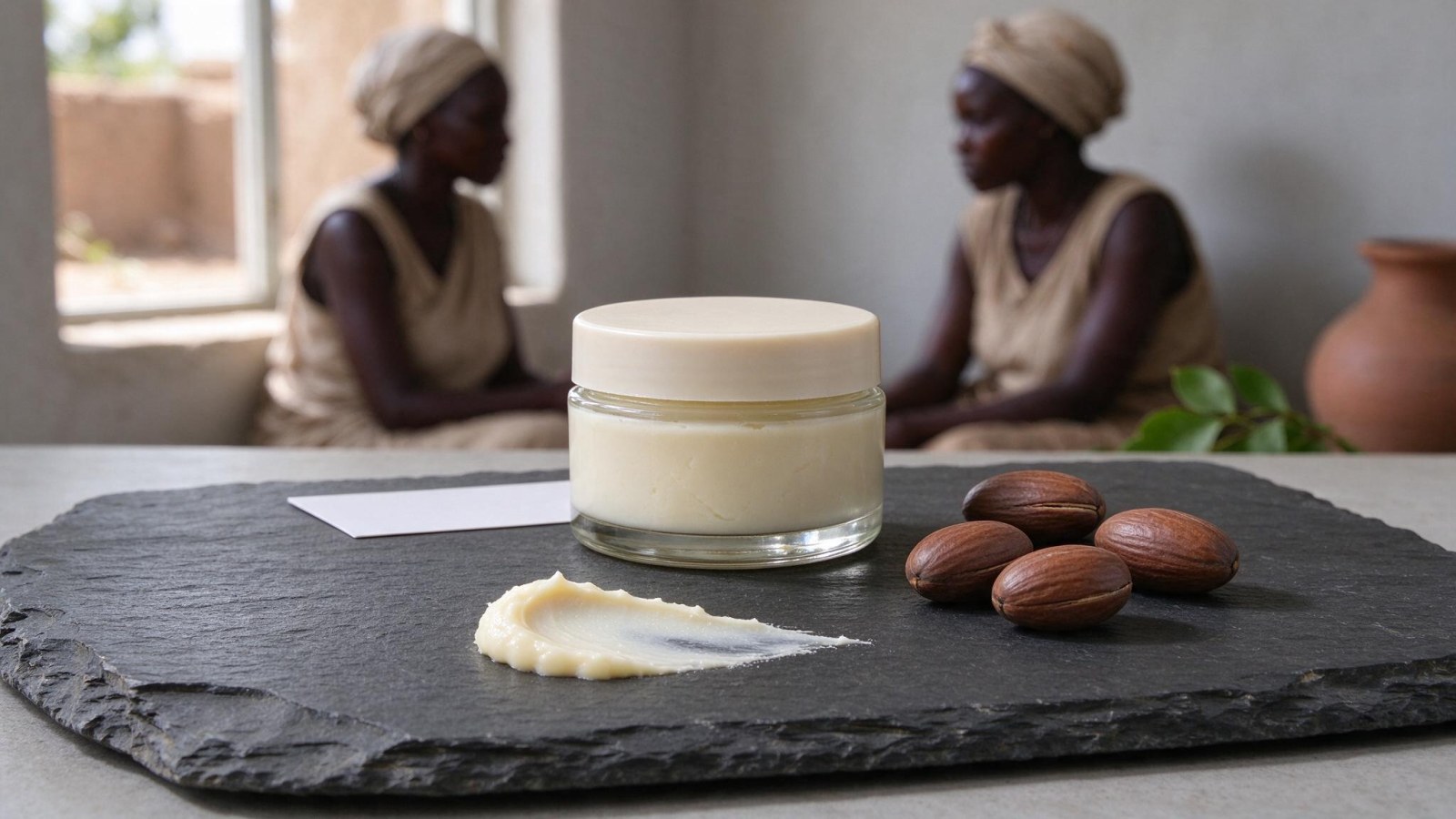
A thick swipe on dark slate or in a small glass dish shows the grain and the weight of the butter. Use a clean spatula or the back of a spoon — not a finger, which leaves a print and a smudge. Keep the swipe short and deliberate, about the length of your thumb.
Black soap
Work up a lather in a small bowl or on a clean hand and shoot the foam close, so the bubbles are clearly visible. Natural black soap lathers less than commercial soap, so a small bowl gives you more control than a hand.
Serums and oils
Place a few droplets on a glass sheet, a dark tile or the back of a clean hand. Shoot slightly from the side so the light catches the oil and it reads as liquid rather than as a stain. Three or four drops is enough; a puddle looks like a spill.
Creams and lotions
A single swirl on a tile, shot close. Keep the smear small and controlled — a messy smear reads as an accident, not as style.
Use your phone's close-up or macro mode if it has one, hold steady, and take several frames each time. Close-ups are the easiest shots to blur, and one sharp frame out of eight is normal.
Styling with ingredient props without cluttering the shot
Props tell the buyer what is in the product before they read the label. One or two is enough:
- Shea nuts for shea butter.
- A piece of honeycomb for honey-based products.
- An aloe leaf for soothing gels.
- Charcoal pieces for black soap and detox ranges.
- Cocoa pods, dried herbs, or a few water droplets on the surface.
A few rules keep props from ruining the shot:
- Place props behind or to the side of the product. Never let a prop cover the label or the brand name.
- Keep props in the same colour family as the product, so the jar still stands out. A bright green leaf beside a pale cream jar will pull the eye away from the product.
- Use real, clean ingredients, not plastic fruit or printed cut-outs. Buyers recognise the difference instantly.
- Only style with what is actually in the product. If there is no honey in it, do not put honeycomb in the frame.
- Put the props on the same surface — a plain cloth, wooden board or slate tile — that you use for the rest of the range.
Reflective bottles, curved labels and dark glass
This is where most sellers give up, and where a little technique makes the biggest difference.
Glossy bottles and shrink-wrap
Glossy surfaces reflect whatever is in front of them — the window, your phone, your own reflection. Do not try to move the light. Turn the product a few degrees at a time until the window and the phone stop appearing on the surface. Take a photo at each angle; one will be clean.
Softening the dark side
Hold a white card or a sheet of plain paper on the shadow side of the product, just outside the frame, to bounce light back in. This lifts the dark edge and makes the bottle look evenly lit.
Dark glass and black jars
A black card behind the product gives a clean edge highlight instead of a muddy grey background. For clear glass, a white card behind it makes the liquid inside glow.
Curved labels
On a round bottle, the label text wraps away from the camera and the ends become unreadable. Shoot from slightly further back so more of the label is visible, and check focus on the text, not on the lid. Take one straight-on frame with the label as flat as possible for the catalogue, then a slightly angled frame for Instagram.
Never use flash on glass or foil lids. It leaves a hard white spot that cannot be edited out afterwards.
Making a whole range look like one brand
Consistency is what separates a brand from a random collection of photos. Fix four things and repeat them for every product:
- Background — the same card, cloth or board every time.
- Light — the same window, at the same time of day.
- Distance — the product the same size in the frame across the range.
- Crop — the same framing, so the grid looks ordered.
Then:
- Shoot the whole range in one session, on the same day, in the same spot. Light changes through the day, and a jar shot at 9am will not match one shot at 4pm.
- Use the same three shots per product: a clean front shot, a texture shot, and one styled shot with props.
- Write a short shot list before you start and tick it off product by product, so nothing is missed and nothing is shot twice.
- Name your files clearly as you go — product name, shot type — so you are not sorting through forty similar images at midnight.
Where WonderClips fits in
Phone photos taken this way are good raw material. But the background, the lighting and the finish still vary from product to product, and that variation is exactly what bigger brands pay studios to remove.
WonderClips takes those phone pictures and turns them into a clean studio shot and a lifestyle scene for each product, so a whole range comes back in one consistent look. It supports Skincare, Cosmetics and the other product types a beauty seller carries, and exports images sized for Instagram, TikTok and WhatsApp.
Pricing, plainly: a free trial of 5 credits for 3 days, no card needed. Starter is $12 a month for 80 credits; Pro is $29 a month for 250 credits. A standard photo costs 1 credit and a studio-quality photo costs 5 credits. You can see before-and-after examples of phone shots turned into studio images on the /transformations page.
Your next step: three products, one afternoon
Pick three products from your range — for example a shea butter jar, a black soap bar and a serum. For each one, shoot:
- A clean front shot on your chosen background.
- One texture shot: a swipe, some foam, or a few droplets.
- One styled shot with an ingredient prop.
That is nine photos, shot near a window in one sitting. Upload them to WonderClips and produce one clean studio shot and one lifestyle scene per product, then compare the results side by side with your original photos.
The goal is not one perfect photo. It is a whole catalogue that looks like it came from the same brand — and that starts with three products this week. Create a free account at /register, or compare plans first on /pricing.